Articles
Licences, Compliance and SBOMs in a Yocto Build
Understanding licence metadata, licence manifests and SPDX SBOM output in a Yocto build
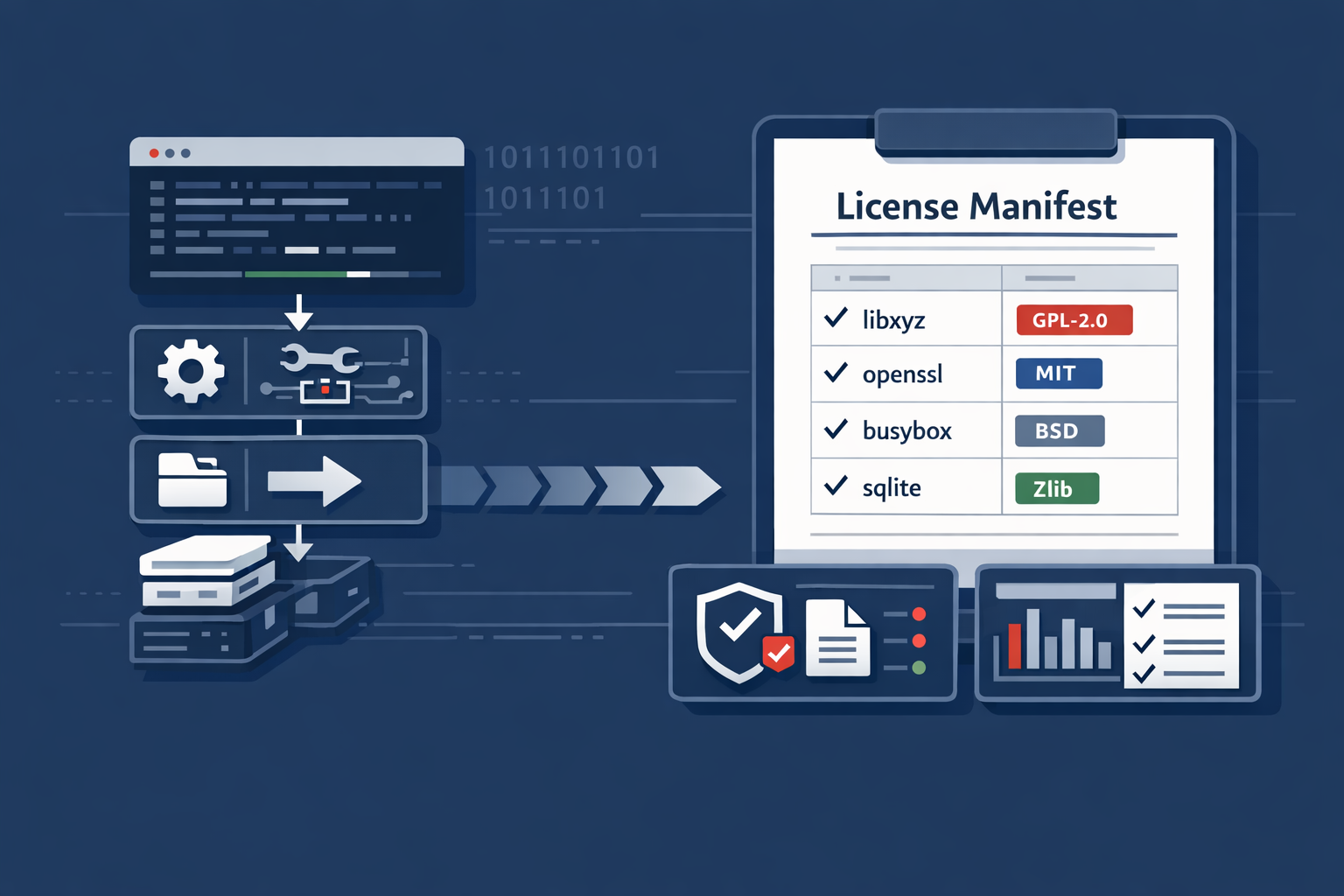
When building a system that makes use of Open Source Software, it is vital to know what your licence obligations are. Other than just the common decency of respecting the wishes of the author of that software, it can also be a legal requirement as these are the terms and conditions by which you are agreeing to be bound.
That does not mean Yocto magically makes a product compliant. It does mean that, if you use the metadata properly, the build can produce evidence that is very useful when you are preparing a product release.
This article is based on Yocto Project 6.0 / Wrynose.
Recipe Licence Metadata
If you are using the Yocto Project as your build system, then you will probably know that recipes normally contain a LICENSE variable.
For example:
LICENSE = "MIT"
LIC_FILES_CHKSUM = "file://${COMMON_LICENSE_DIR}/MIT;md5=0835ade698e0bcf8506ecda2f7b4f302"
The two important pieces are:
LICENSEis the licence expression for the software built by the recipe. Use SPDX licence identifiers where possible.LIC_FILES_CHKSUMpoints at the licence text and records its checksum.
For software fetched from an upstream project, the licence file usually comes from the source tree:
LICENSE = "BSD-3-Clause"
LIC_FILES_CHKSUM = "file://LICENSE;md5=0123456789abcdef0123456789abcdef"
LIC_FILES_CHKSUM is not just paperwork. If upstream changes the licence text, BitBake can detect that and stop the build so someone reviews the change. That is exactly the kind of interruption you want before a release, not after.
Licence Manifests
Whenever you build an image, BitBake collects licence information for the packages that went into that image.
In Wrynose, the generated licence manifest is under tmp/deploy/licenses. The exact path includes the package architecture and a timestamped image directory, for example:
tmp/deploy/licenses/<sstate-pkgarch>/<image-name>-<machine>.rootfs-<datestamp>/license.manifestThat manifest is about the image that was built. This matters, because an enabled layer may contain hundreds of recipes that are not in your product.
The Manifest Format
The license.manifest file contains a stanza for each package with the following fields:
PACKAGE NAME:
PACKAGE VERSION:
RECIPE NAME:
LICENSE:
Here is an example with a couple of real entries:
PACKAGE NAME: binutils
PACKAGE VERSION: 2.35.1
RECIPE NAME: binutils
LICENSE: GPLv3

PACKAGE NAME: bluez5
PACKAGE VERSION: 5.55
RECIPE NAME: bluez5
LICENSE: GPLv2+ & LGPLv2.1+
Some of the key things to note are:
- Each stanza is separated by a blank line.
- A particular package and package version may have more than one licence.
- The manifest records package licence metadata. It is not the same thing as shipping the full licence text to the device.
For a quick look at the manifests from a build directory:
find tmp/deploy/licenses -name license.manifestLicence Text in the Image
Sometimes you also need licence text delivered with the product image itself. Yocto has configuration for this, but the variables are easy to confuse.
COPY_LIC_MANIFEST = "1"
COPY_LIC_DIRS = "1"
LICENSE_CREATE_PACKAGE = "1"
In current Yocto documentation:
COPY_LIC_MANIFESTcopies the image licence manifest into/usr/share/common-licenses/license.manifestin the image.COPY_LIC_DIRS, when used withCOPY_LIC_MANIFEST, copies licence files into directories under/usr/share/common-licensesin the image.LICENSE_CREATE_PACKAGEcreates separate${PN}-licpackages, using/usr/share/licenses, which gives package-managed systems a way to add licence files when packages are installed later.
Do not blindly enable all three without thinking. The Yocto documentation notes that setting all three to 1 can put two copies of the same licence file in the image: one under /usr/share/common-licenses and one under /usr/share/licenses.
On a small read-only appliance image, copying the manifest and licence directories at image creation time may be the right answer. On a system with package feeds and field-installed packages, licence packages may be more useful. This is a product decision, not just a BitBake setting.
SPDX and SBOMs
Wrynose also generates SPDX Software Bill of Materials output.
This is separate from the old licence manifest. A licence manifest helps answer:
Which package licence metadata was associated with this image?
An SPDX SBOM helps answer a wider set of questions:
- which components are in this image?
- which versions were built?
- which recipes and sources produced them?
- which licences are associated with them?
- which patches or modifications were part of the build?
- which fixed-vulnerability annotations are present in the metadata?
In Yocto Project 6.0, the current SPDX support is provided by the create-spdx class. Wrynose enables this through the normal distro inheritance mechanism, so for a normal Wrynose build you should expect SPDX output without adding an old SPDX class yourself.
You can check what your build has inherited with:
bitbake-getvar INHERIT_DISTROIf you are maintaining a custom distro configuration and need to enable SPDX output explicitly, the current class is:
INHERIT += "create-spdx"Do not copy older create-spdx-2.2 examples into a Wrynose project.
After building an image, the top-level image SBOM is written under the image deploy directory:
tmp/deploy/images/<machine>/<image>-<machine>.spdx.jsonRelated SPDX data is also written under:
tmp/deploy/spdxFor a quick inspection:
ls tmp/deploy/images/<machine>/*.spdx.json
find tmp/deploy/spdx -name "*.spdx.json" | head
If you want SPDX JSON that is easier to read in a text editor, set:
SPDX_PRETTY = "1"That makes the files larger, but it is useful while you are learning what Yocto is producing.
Licence Data, SBOM Data and Vulnerability Data
It is worth keeping these concepts separate:
- Recipe licence metadata is what the recipe says about the software it builds:
LICENSEandLIC_FILES_CHKSUM. - Licence text is the actual licence wording that may need to accompany the binary software.
- The licence manifest is a build artifact listing the package licence metadata for a specific image.
- The SPDX SBOM is a structured description of the software supply chain for the image or SDK.
- Vulnerability information is produced by CVE analysis, such as Wrynose’s
sbom-cve-checkworkflow, using SBOM data as an input.
These artifacts support each other, but they are not interchangeable.
For example, an SBOM may be useful for licence review and vulnerability review, but generating an SBOM does not automatically mean the product is legally compliant or secure. It gives you structured evidence. Someone still needs to review the evidence, handle exceptions, and record the decisions.
Why This Matters for Product Builds
For development images, it is tempting to treat this as noise. For products, it becomes release evidence.
For a real product release, I would normally archive:
- the final image artifacts
- the package manifest
- the licence manifest
- any copied licence text bundle
- the SPDX SBOM output
- CVE reports
- layer revisions and local patches
- any manual licence or vulnerability review decisions
That gives you something useful when a customer, auditor, support engineer, vulnerability report, or future version of your own team asks:
What exactly did we ship?
Yocto cannot answer every compliance question for you. It can make sure you are not trying to answer that question from memory six months after the release.
Making the Data Useful
While the raw licence manifest is a useful data set, what most of my customers actually want is a spreadsheet or table of packages and licences that they can include in their documentation.
To help with that, I wrote a small Python script that parses the manifest file and outputs either:
- A list of packages and their licences
- A list of licences and which packages use them
The source for this can be found in the Yocto Licence Parser repository on GitHub:
https://github.com/ming4real/yocto-licence-parser
That kind of report is still useful. I would just treat it as one view over the release data, not as a replacement for retaining the generated licence manifests and SPDX SBOM files.
Related posts
Browse all posts
Checking for Security Vulnerabilities in a Yocto Build
Yocto has a useful feature that allows it to automatically check any software packages
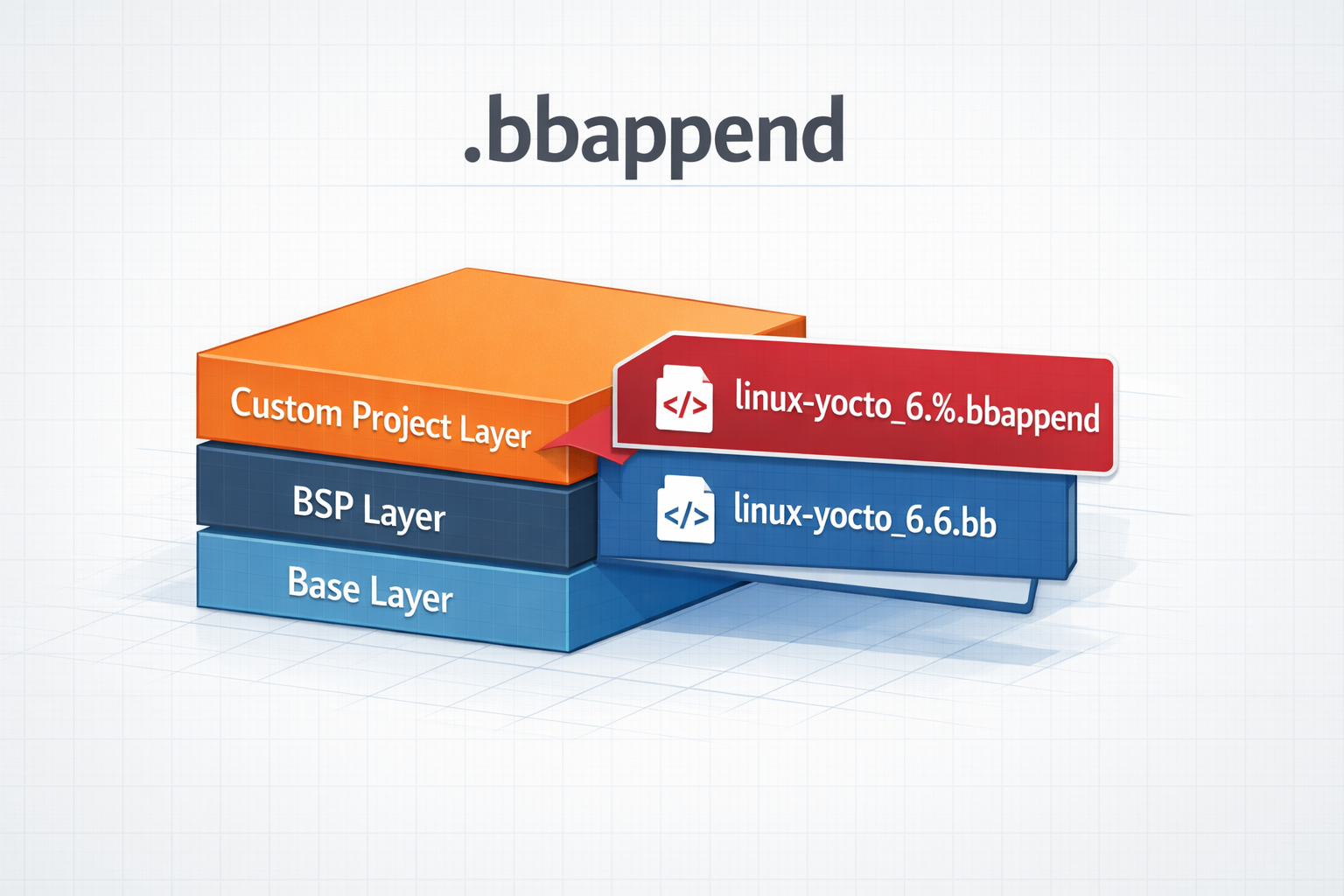
.bbappend files in a Yocto Project
How to use .bbappend files in a Yocto Project - A brief guide
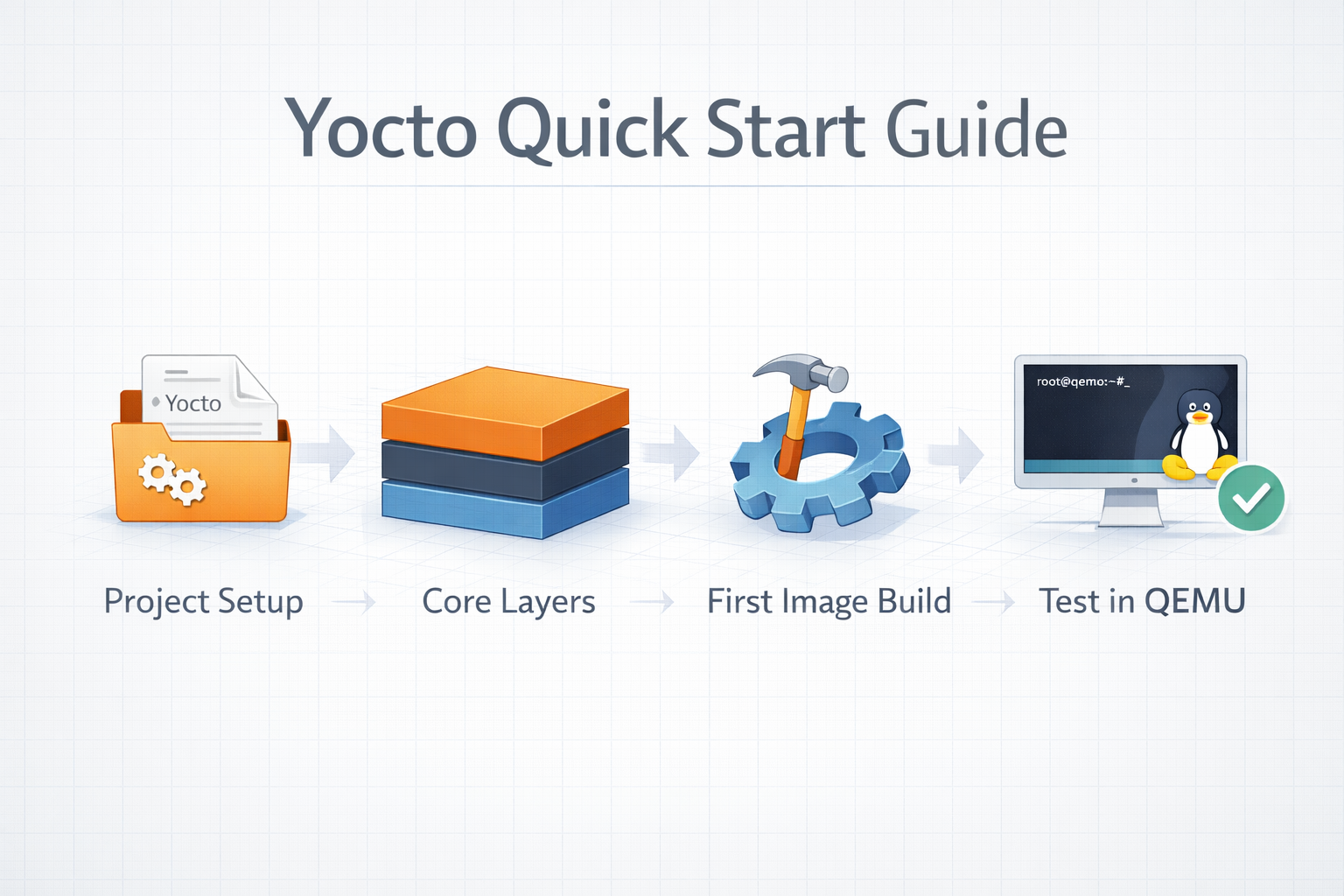
Yocto Quick Start
A Quick Guide to Getting Started With The Yocto Project