Articles
Checking for Security Vulnerabilities in a Yocto Build
Yocto has a useful feature that allows it to automatically check any software packages

Yocto has a fantastic feature that enables it to check the software in a system image against known security vulnerabilities, as tracked by the public Common Vulnerabilities and Exposures (CVE) database.
That feature changed in Yocto Project 6.0, Wrynose.
Older Yocto releases used the cve-check class directly and wrote reports under tmp/deploy/cve. In Wrynose, cve-check has been removed. The current workflow is based on the SPDX SBOM generated by the build, with vulnerability analysis performed by sbom-cve-check.
That is a better model for a real product. The SBOM says what is in the image; the CVE report says which known vulnerabilities were matched against that software. Neither one replaces engineering judgement, but together they give you something useful to review and archive with a release.
Enabling the check
For Wrynose, enable the recommended configuration fragment:
OE_FRAGMENTS += "core/yocto/sbom-cve-check"Alternatively, in a configured build directory, you can enable the same fragment with:
bitbake-config-build enable-fragment core/yocto/sbom-cve-checkThat fragment enables sbom-cve-check using the recommended Wrynose settings. The check relies on SPDX data from the build. Wrynose uses the current create-spdx flow for SPDX 3 SBOM output; do not copy older create-spdx-2.2 or cve-check examples into a Wrynose project.
If you want BitBake to warn when unpatched CVEs are found, use the Wrynose variable:
SBOM_CVE_CHECK_SHOW_WARNINGS = "1"Then build the image as normal:
bitbake core-image-minimalWhat gets produced
After an image build, the reports are written to the image deploy directory:
tmp/deploy/images/<machine>/The exact filename depends on the image and machine, but you should expect files ending in:
.sbom-cve-check.yocto.json
.sbom-cve-check.spdx.json
The .sbom-cve-check.yocto.json file is the report I normally look at first. It uses the Yocto-style CVE report format and lists packages, versions and matched CVEs.
The .sbom-cve-check.spdx.json file is the SPDX report annotated with vulnerability information. That matters because the vulnerability result is tied back to the generated SBOM, rather than being a separate text file that someone has to reconcile by hand later.
You will also get the normal SPDX SBOM output from the build. For an image, that includes a top-level SPDX JSON document under the image deploy directory, with related SPDX data under tmp/deploy/spdx.
If you still need the old summary-style text output for an existing process, Wrynose can export it:
SBOM_CVE_CHECK_EXPORT_VARS:append = " SBOM_CVE_CHECK_EXPORT_SUMMARY"That is an output compatibility option, not the main workflow.
Inspecting the results
The report is JSON, so jq is usually the quickest way to find the work that needs attention:
jq '.package[]
    | {
        name,
        version,
        unpatched: [.issue[]? | select(.status == "Unpatched") | .id]
      }
    | select(.unpatched | length > 0)' \
  tmp/deploy/images/<machine>/<image>-<machine>.rootfs.sbom-cve-check.yocto.json
A CVE entry normally includes information such as:
- the package or component name
- the version that was checked
- the CVE identifier
- the CVE description and NVD link
- CVSS scoring information where available
- the status, such as
Patched,UnpatchedorIgnored
At build time, if warnings are enabled, you may also see output like:
WARNING: core-image-minimal-1.0-r0 do_sbom_cve_check: glibc-2.43+git: Found unpatched CVEs: CVE-2010-4756That warning is useful, but the JSON report is the thing to archive and review.
Running Bootlin’s tool directly
Wrynose integrates Bootlin’s sbom-cve-check as the official CVE analysis tool, so the normal Yocto workflow above is the one I would start with.
It is still useful to know that sbom-cve-check is also a standalone command-line tool. That means you can take the SBOM and VEX artifacts from a previous release build and rescan them later, without rebuilding the complete image just to refresh the CVE analysis.
I normally do this in a virtual environment:
python3 -m venv .venv
source .venv/bin/activate
pip install 'sbom-cve-check[extra]'
Then run the tool against the image SBOM and the Yocto VEX manifest:
sbom-cve-check \
  --sbom-path core-image-minimal-qemuarm64.rootfs.spdx.json \
  --yocto-vex-manifest core-image-minimal-qemuarm64.rootfs.vex.json \
  --export-type yocto-cve-check-manifest \
  --export-path cve-report.json
The exact filenames depend on the image, machine and release. Older examples of the Bootlin tool often show the VEX manifest ending in .rootfs.json; in Wrynose, the VEX output uses the .vex.json suffix.
You can also export a CSV containing only vulnerabilities that the tool considers vulnerable:
sbom-cve-check \
  --sbom-path core-image-minimal-qemuarm64.rootfs.spdx.json \
  --yocto-vex-manifest core-image-minimal-qemuarm64.rootfs.vex.json \
  --export-filter-vulnerable \
  --export-type csv \
  --export-path vulnerable.csv
This is useful for CI jobs that periodically rescan released SBOMs as public vulnerability data changes. It does not remove the need for a proper release build. It just means the vulnerability review can be repeated against the release evidence you already archived.
What the result actually means
A CVE match does not automatically mean your product is exploitable.
It means the tooling matched a software component and version in your build against known CVE data. That is important, but it is the start of the analysis, not the end of it.
For example:
- the vulnerable code may not be built
- the affected feature may be disabled by configuration
- the package may exist in a development image but not the production image
- a vendor patch may have fixed the issue without changing the upstream version number
- the CVE database mapping may be too broad
- the recipe may need a better
CVE_PRODUCTorCVE_VERSION
This is why false positives still matter. If you leave them in the report forever, the real issues get harder to see. If you suppress them without analysis, the report becomes theatre. Neither outcome is especially helpful.
When the metadata needs to be corrected, Wrynose still uses the usual recipe mechanisms. CVE_PRODUCT and CVE_VERSION can correct product and version mapping. CVE_STATUS[<CVE-ID>] can record that a CVE is patched or ignored, with a reason.
For example:
CVE_STATUS[CVE-2016-10642] = "cpe-incorrect: This CVE applies to a different upstream component"Use that sort of entry carefully. It should record an engineering decision, not just make a report quieter.
Using this in a product process
For a real product, I would treat the SBOM and CVE reports as release evidence.
A practical flow is:
build the release image
  -> generate the SPDX SBOM
  -> run sbom-cve-check
  -> review Unpatched findings
  -> update, backport, mitigate, ignore with reason, or accept risk
  -> archive the image, metadata, SBOM, CVE reports and decisions
The important point is traceability. Six months later, you should be able to answer why a CVE was fixed, why it was not applicable, or why the risk was accepted for that product release.
Yocto can tell you what it matched. It cannot know every runtime exposure, customer deployment, firewall rule, disabled feature or product-specific mitigation. That part is still engineering work. Annoying, yes, but also the bit that keeps vulnerability management honest.
For more information, see the Yocto Project Wrynose migration notes and security manual:
- Migration notes for Yocto Project 6.0
- Checking for Vulnerabilities
- Creating a Software Bill of Materials
- Bootlin sbom-cve-check documentation
Related posts
Browse all posts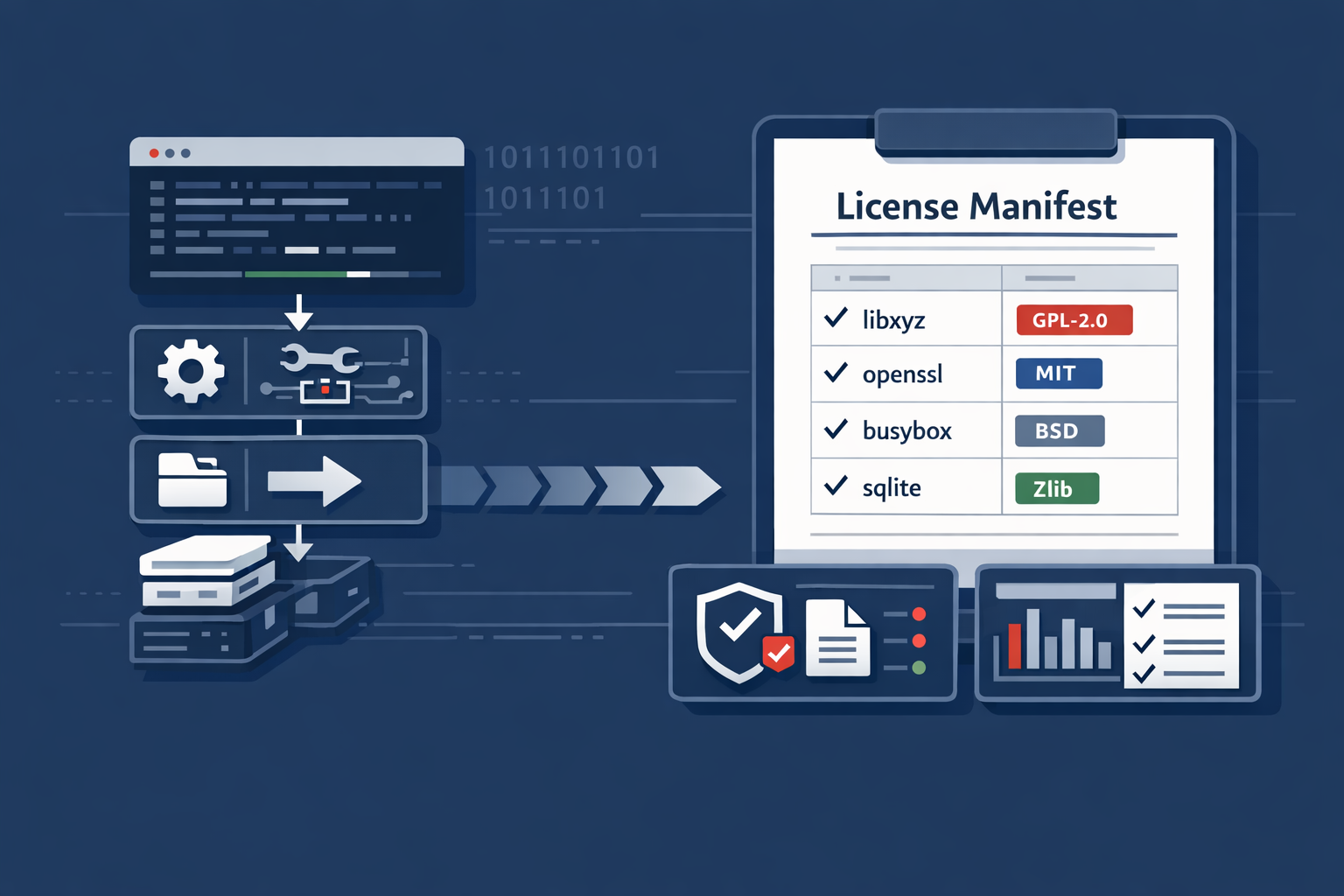
Licences, Compliance and SBOMs in a Yocto Build
Understanding licence metadata, licence manifests and SPDX SBOM output in a Yocto build
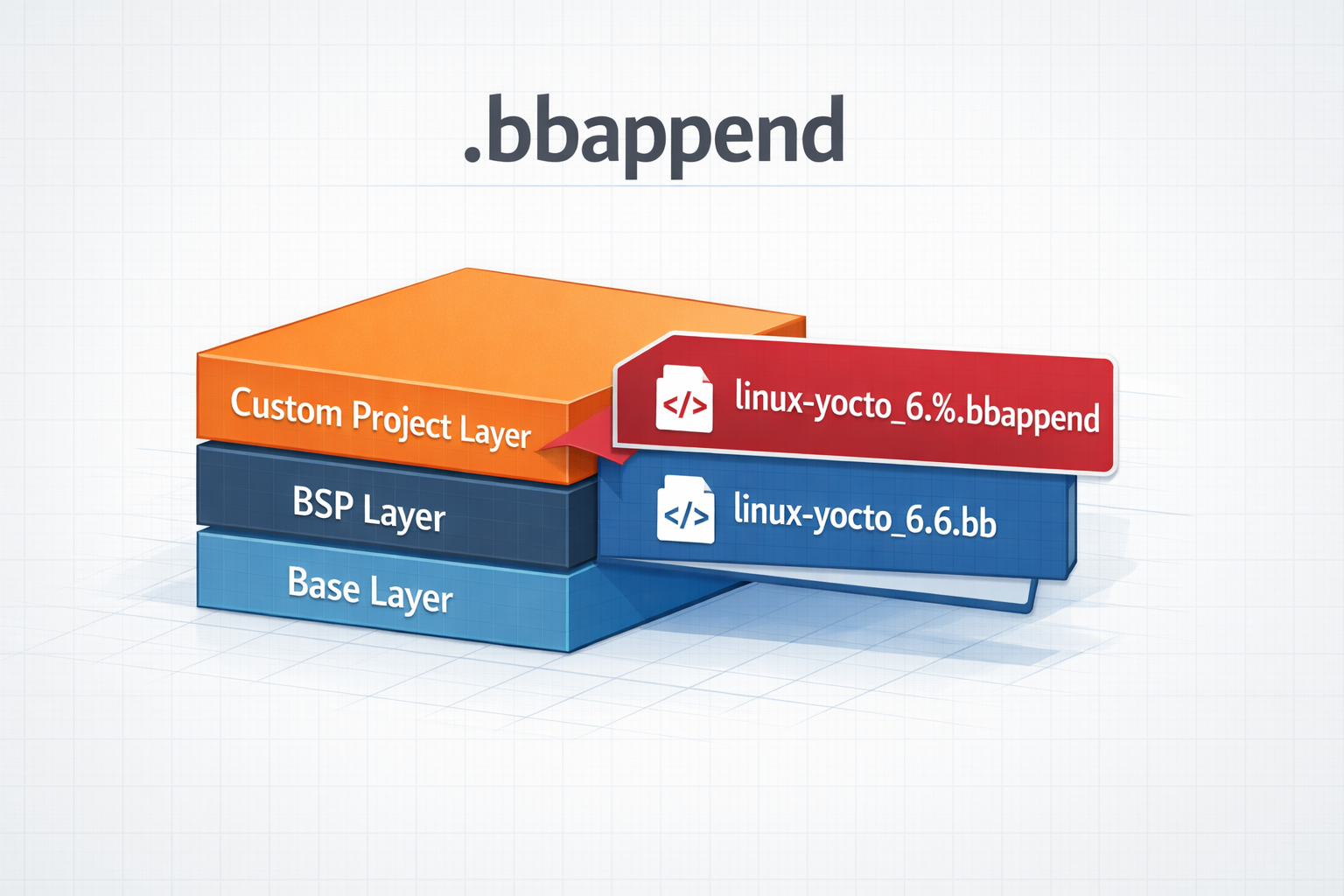
.bbappend files in a Yocto Project
How to use .bbappend files in a Yocto Project - A brief guide
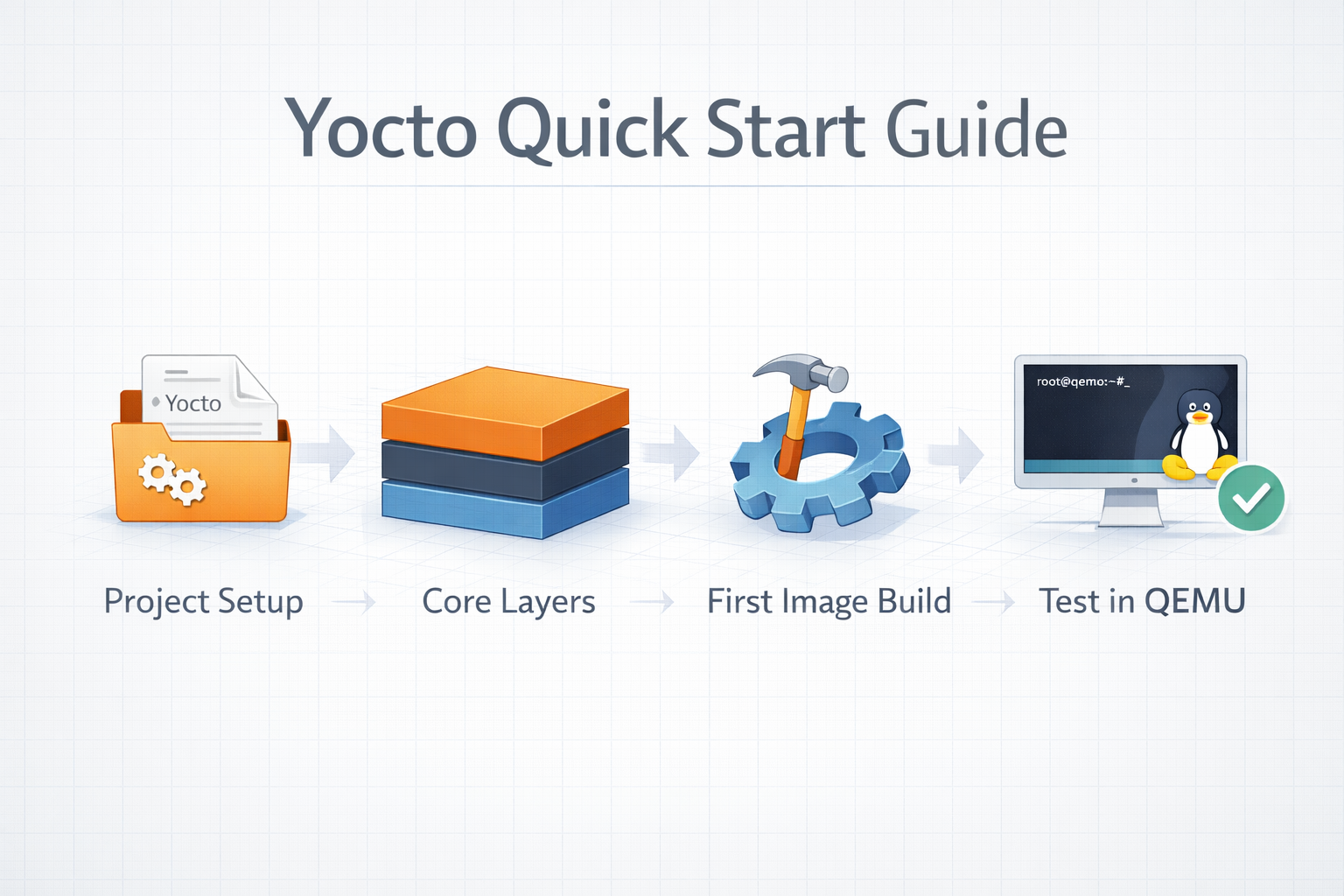
Yocto Quick Start
A Quick Guide to Getting Started With The Yocto Project