Articles
Populating a Partition
Use Yocto and WIC to include a dedicated ext4 data partition in your disk image.
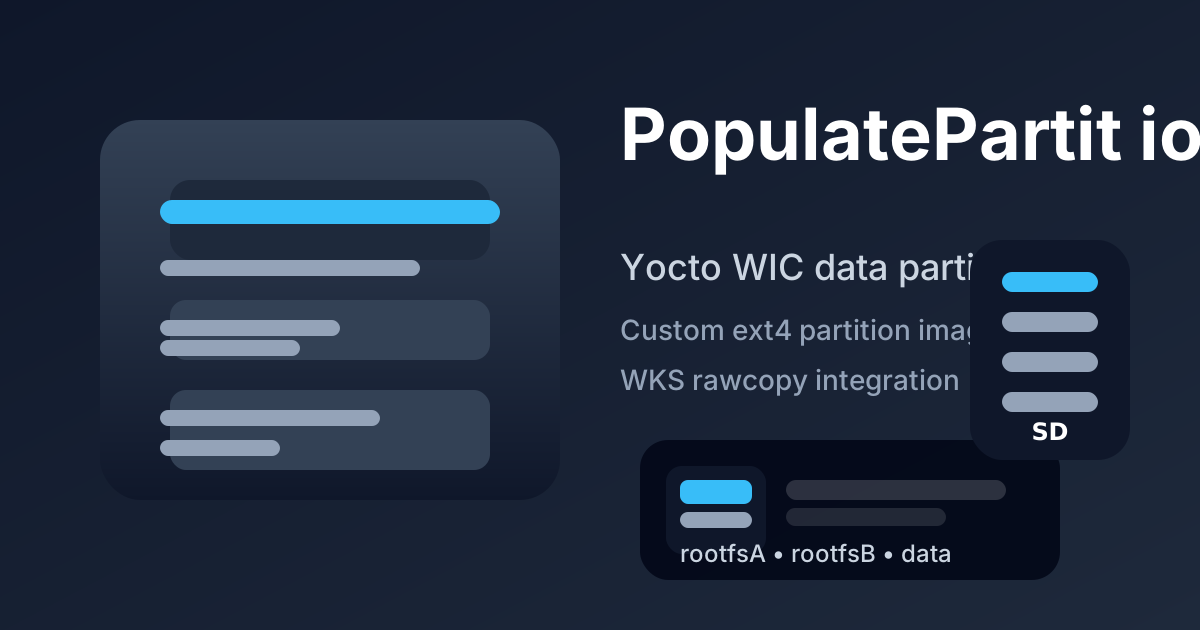
A common embedded use case is a disk image with a separate data partition that is not part of the root filesystem.
This article shows how to:
- build an ext4 partition image from a recipe,
- reference that file from a
wkslayout, - wire the dependency so
wicincludes it during image generation.
Build the data partition image
Create a recipe (for example data-rootfs.bb) that generates the filesystem image in do_compile() and deploys it in do_deploy().
SUMMARY = "Data partition filesystem image"
LICENSE = "MIT"
LIC_FILES_CHKSUM = "file://${COMMON_LICENSE_DIR}/MIT;md5=0835ade698e0bcf8506ecda2f7b4f302"

inherit deploy

S = "${WORKDIR}"

DATA_ROOTFS_DIR = "${WORKDIR}/data-rootfs"
DATA_IMAGE_SIZE_MB = "1024"

do_compile() {
    rm -rf ${DATA_ROOTFS_DIR}
    install -d ${DATA_ROOTFS_DIR}/empty

    rm -f ${WORKDIR}/data-rootfs.ext4
    mkfs.ext4 -F \
        -L data \
        -d ${DATA_ROOTFS_DIR} \
        ${WORKDIR}/data-rootfs.ext4 \
        ${DATA_IMAGE_SIZE_MB}M
}

do_deploy() {
    install -d ${DEPLOYDIR}
    install -m 0644 ${WORKDIR}/data-rootfs.ext4 ${DEPLOYDIR}/data-rootfs.ext4
}

addtask deploy after do_compile before do_build

DEPENDS += "e2fsprogs-native"
Notes:
inherit deploymakes it easy to copy the generated image to${DEPLOYDIR}.mkfs.ext4 ... -d ${DATA_ROOTFS_DIR}creates a filesystem image populated from that directory.- You can add files into
${DATA_ROOTFS_DIR}before creating the image if the partition requires content.
Define the partition in a WKS file
Put your wks layout in your BSP layer, for example meta-my-bsp/wic/mydisk.wks.in.
part /boot --source bootimg-partition --ondisk mmcblk --fstype=vfat --label boot --active --align 4 --size 64
part rootfsA --source rootfs --ondisk mmcblk --fstype=ext4 --label rootfsA --align 4 --size 2048
part rootfsB --source rootfs --ondisk mmcblk --fstype=ext4 --label rootfsB --align 4 --size 2048
part data --source rawcopy --sourceparams="file=data-rootfs.ext4" --ondisk mmcblk --fstype=ext4 --label data --align 4096 --size 8192
Key points:
rawcopycopies the prebuilt image file directly into the partition.--sourceparams="file=data-rootfs.ext4"names the deployed artifact from the recipe.--fstype=ext4is used to describe the partition layout and label.
Make the WIC image depend on the partition image
In your image recipe, ensure the WIC image generation waits for the partition image to be ready.
IMAGE_FSTYPES += "wic"
WKS_FILE = "mydisk.wks.in"

# Ensure the partition image is built before do_image_wic runs.
do_image_wic[depends] += "data-rootfs:do_deploy"
WKS_FILE_DEPENDS:append = " data-rootfs"
That setup makes data-rootfs available when wic reads the wks file and builds the final disk image.
Practical tips
- Keep the
wksfile focused on disk layout and let the recipe build the partition image. - Use explicit labels so the image can be inspected and mounted reliably.
- Test the generated image with
fdisk,parted, orlosetupbefore flashing hardware.
A separate data partition is often the cleanest way to preserve user files, logs, or application state while keeping the root filesystem isolated.
Related posts
Browse all posts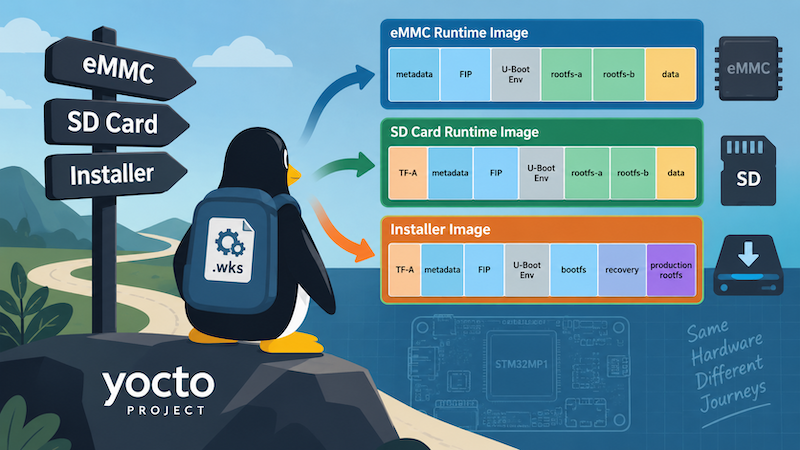
TALES FROM THE TRENCHES · #4
One Yocto Machine, Several WIC Layouts
Selecting different Yocto WIC partition layouts by image purpose and deployment target, while keeping a sensible machine-level default
TALES FROM THE TRENCHES · #2
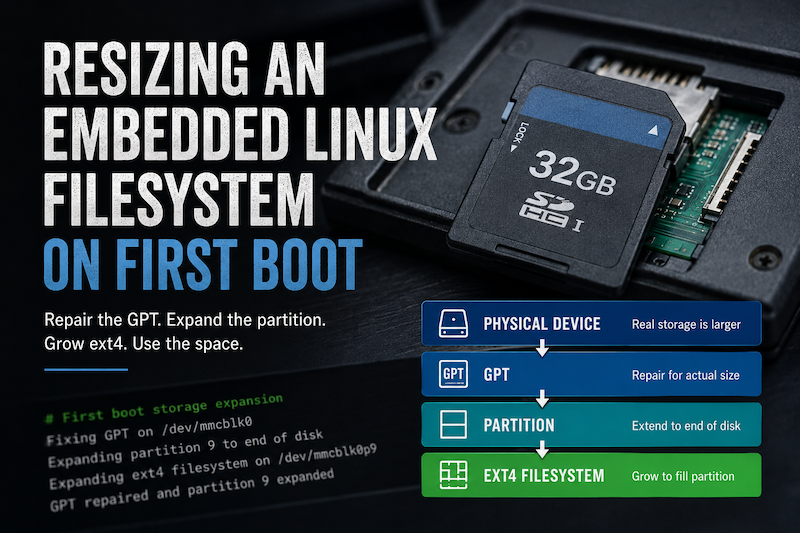
Resizing an Embedded Linux Filesystem on First Boot
Automatically expanding a Yocto root filesystem on first boot, from repairing the GPT through to resizing the ext4 filesystem.
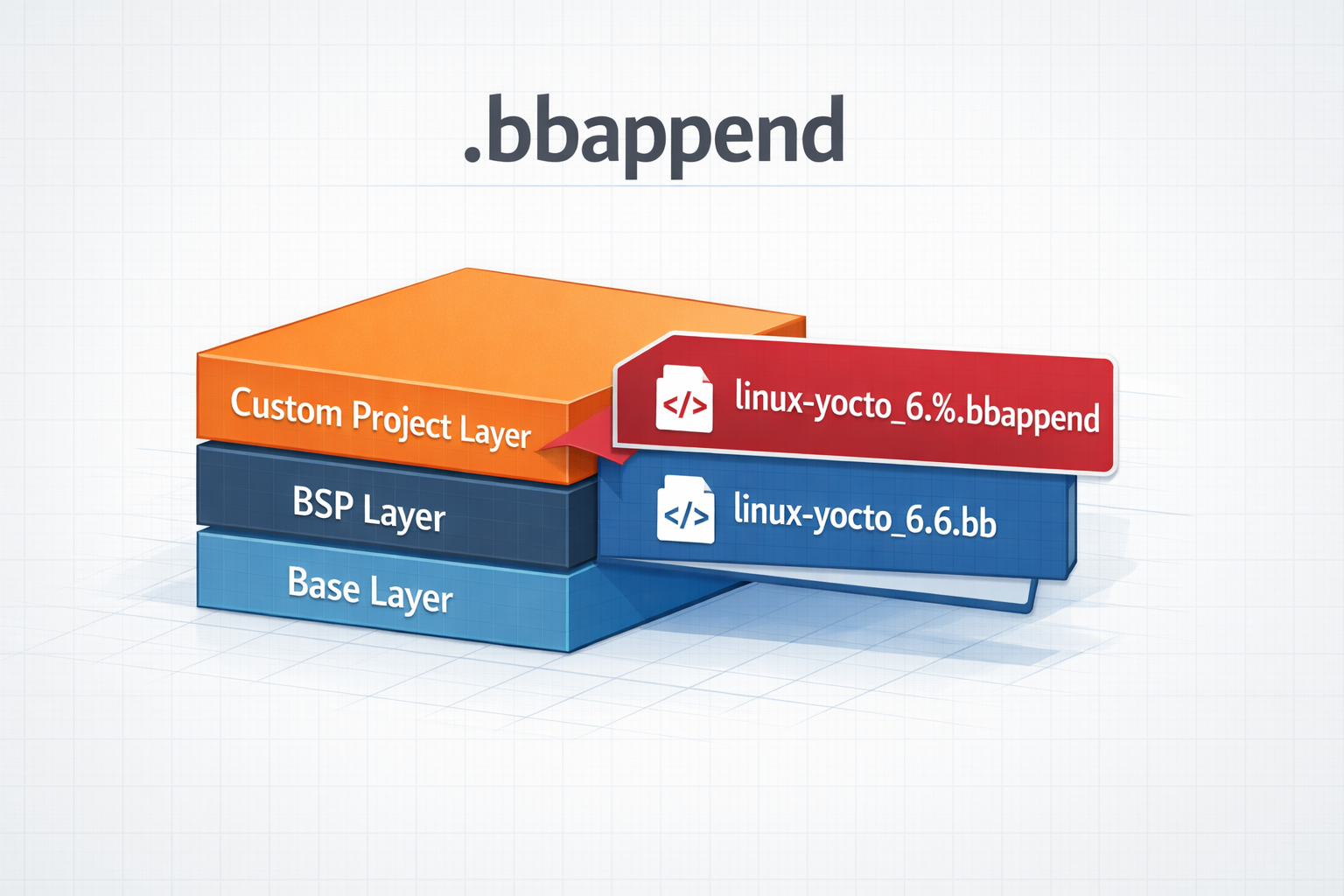
.bbappend files in a Yocto Project
How to use .bbappend files in a Yocto Project - A brief guide