Articles
Compiling U-Boot for the BeagleBone Black and OSD335x
How to build a custom U-Boot for BeagleBone Black and Octavo Systems OSD335x designs
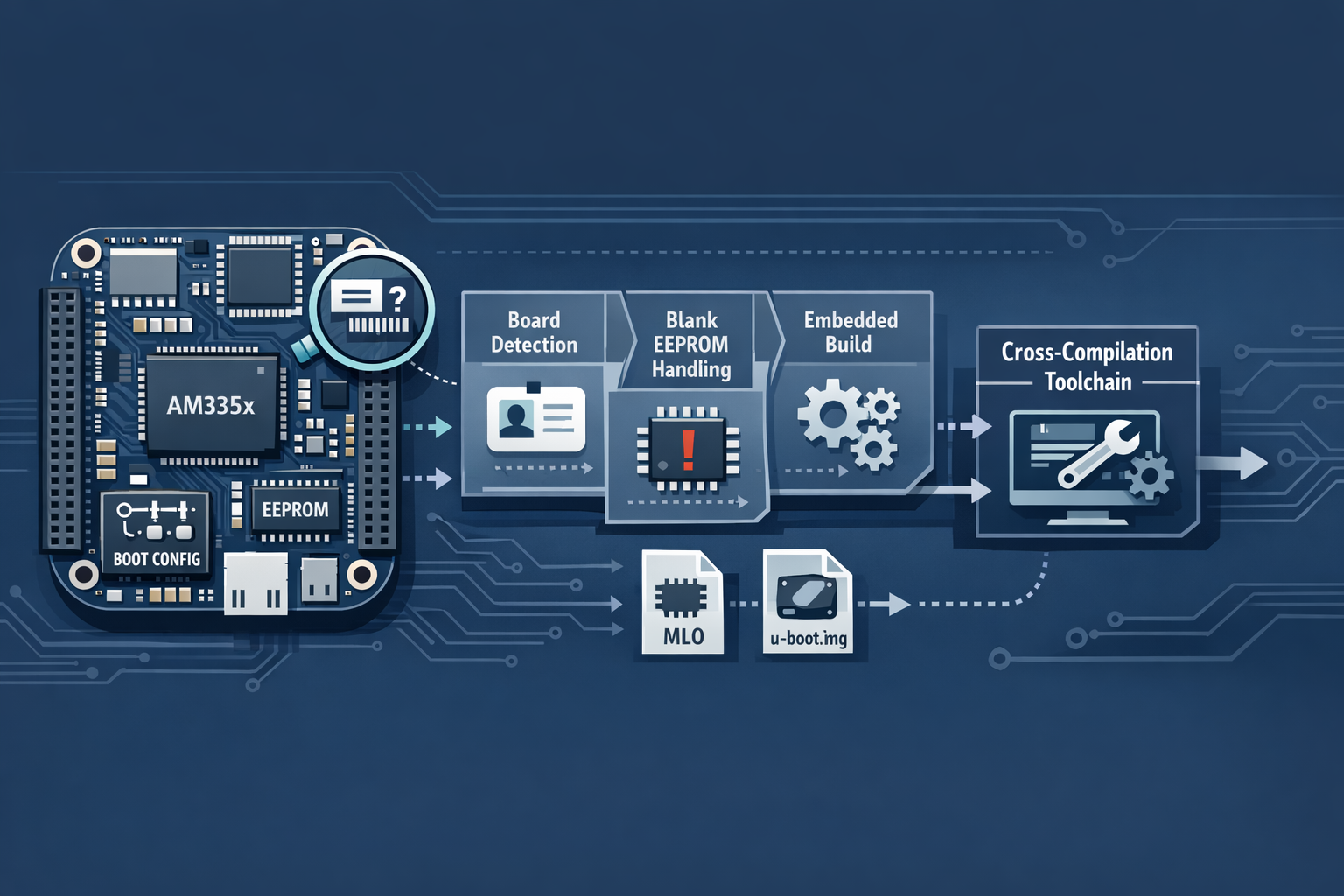
If you have created your own design based on the BeagleBone family, one issue you may encounter is trying to boot your board with U-Boot when the EEPROM is blank. In that case, the standard method of creating a complete system may fail.
As part of the boot process, U-Boot reads fields from the EEPROM to determine the board type for configuration. If the EEPROM is blank, U-Boot cannot read the board ID and therefore will not boot.
At that point you have two main options:
- Hard-code the board ID
- Recognise a blank EEPROM and treat it as a known board
Both approaches require compiling your own version of U-Boot.
Pre-Requisites for Compiling U-Boot
To compile U-Boot, you will need:
- A Linux system. Tried and tested distributions are:
- Debian
- Fedora
- Ubuntu
- An ARM cross-compiler and toolchain, such as Linaro
- Das U-Boot source tree
While it is easier to do this on dedicated hardware, I have also managed to compile U-Boot successfully in a virtual machine.
ARM GCC Toolchain - Linaro
While you could compile your own version of gcc and the associated toolchain, it is much easier to
use a pre-built one.
Download the Toolchain
I like to keep tools under ~/tools, so you may need to adjust the following commands for your own
setup:
cd ~/tools
wget -c https://releases.linaro.org/components/toolchain/binaries/6.5-2018.12/arm-linux-gnueabihf/gcc-linaro-6.5.0-2018.12-x86_64_arm-linux-gnueabihf.tar.xz
Extract the Toolchain
tar xf gcc-linaro-6.5.0-2018.12-x86_64_arm-linux-gnueabihf.tar.xzDefine the Cross-Compiler Prefix
This allows the host gcc and the ARM toolchain binaries to co-exist cleanly on the same system.
export CC=`pwd`/gcc-linaro-6.5.0-2018.12-x86_64_arm-linux-gnueabihf/bin/arm-linux-gnueabihf-Test the Toolchain
Ensure you can run the toolchain compiler:
${CC}gcc --versionYou should see output along the lines of:
arm-linux-gnueabihf-gcc (Linaro GCC 6.5-2018.12) 6.5.0
Copyright (C) 2017 Free Software Foundation, Inc.
This is free software; see the source for copying conditions. There is NO
warranty; not even for MERCHANTABILITY or FITNESS FOR A PARTICULAR PURPOSE.
You will need to set the CC environment variable for each new shell session. If you use the
toolchain often, it is worth adding it to your ~/.profile, replacing pwd with the actual
installation path.
Das U-Boot
Downloading U-Boot is simply a matter of cloning the Git repository. I tend to keep working copies
under ~/wip.
Clone U-Boot
cd ~/wip
git clone https://github.com/u-boot/u-boot
cd u-boot/
git checkout v2019.04 -b tmp
Download and Apply the Patches
wget -c https://github.com/eewiki/u-boot-patches/raw/master/v2019.04/0001-am335x_evm-uEnv.txt-bootz-n-fixes.patch
wget -c https://github.com/eewiki/u-boot-patches/raw/master/v2019.04/0002-U-Boot-BeagleBone-Cape-Manager.patch

patch -p1 < 0001-am335x_evm-uEnv.txt-bootz-n-fixes.patch
patch -p1 < 0002-U-Boot-BeagleBone-Cape-Manager.patch
Decide Which Method to Use
At this point you need to decide whether to:
- Hard-code the board ID
- Recognise a blank EEPROM and assume a known board
Hard-Coding the Board ID
This is the simplest option, but it is only suitable if your design is very close to the BeagleBone variant you intend to claim. It also means that if you ever want to change that identifier, you will need to build a new U-Boot binary.
In the U-Boot source tree, locate:
./board/ti/am335x/board.hThis header contains the tests used to identify each board type. To force a specific board type, simply return 1 from the relevant helper function.
To force U-Boot to always identify as a BeagleBone Black, for example:
static inline int board_is_bone_lt(void)
{
//      return board_ti_is("A335BNLT");  -- Hard code board ID to BeagleBone Black
        return 1;
}
Recognising a Blank ID
The alternative is to modify U-Boot so that if it finds a blank EEPROM, it assumes the board is a blank BeagleBone Black.
wget -c https://github.com/RobertCNelson/Bootloader-Builder/raw/master/patches/v2019.04/0003-NFM-Production-eeprom-assume-device-is-BeagleBone-Bl.patch
patch -p1 < 0003-NFM-Production-eeprom-assume-device-is-BeagleBone-Bl.patch
This also makes U-Boot look for a file at:
/boot/.eeprom.txtIt can then read variables from that file in order to program the EEPROM.
Build U-Boot
At this point you can compile U-Boot from the source directory:
make ARCH=arm CROSS_COMPILE=${CC} distclean
make ARCH=arm CROSS_COMPILE=${CC} am335x_evm_defconfig
make ARCH=arm CROSS_COMPILE=${CC}
This should create:
MLO(the secondary program loader)u-boot.imgtools/mkimage
The tools/mkimage utility can also be used when programming the EEPROM.
Install U-Boot
You can then continue with installation using your normal BeagleBone Black process, skipping the bootloader build step since you have already completed it here.
Related posts
Browse all posts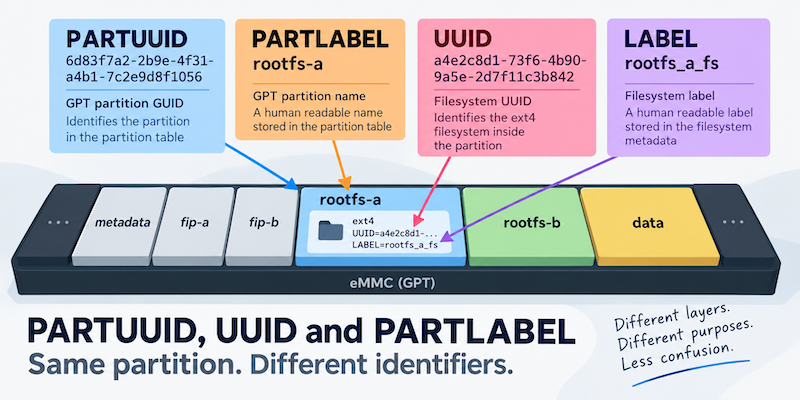
TALES FROM THE TRENCHES · #5
PARTUUID, UUID and PARTLABEL: When a Partition Has Too Many Names
Converting a system to A/B root filesystems and changing UUIDs
TALES FROM THE TRENCHES · #3
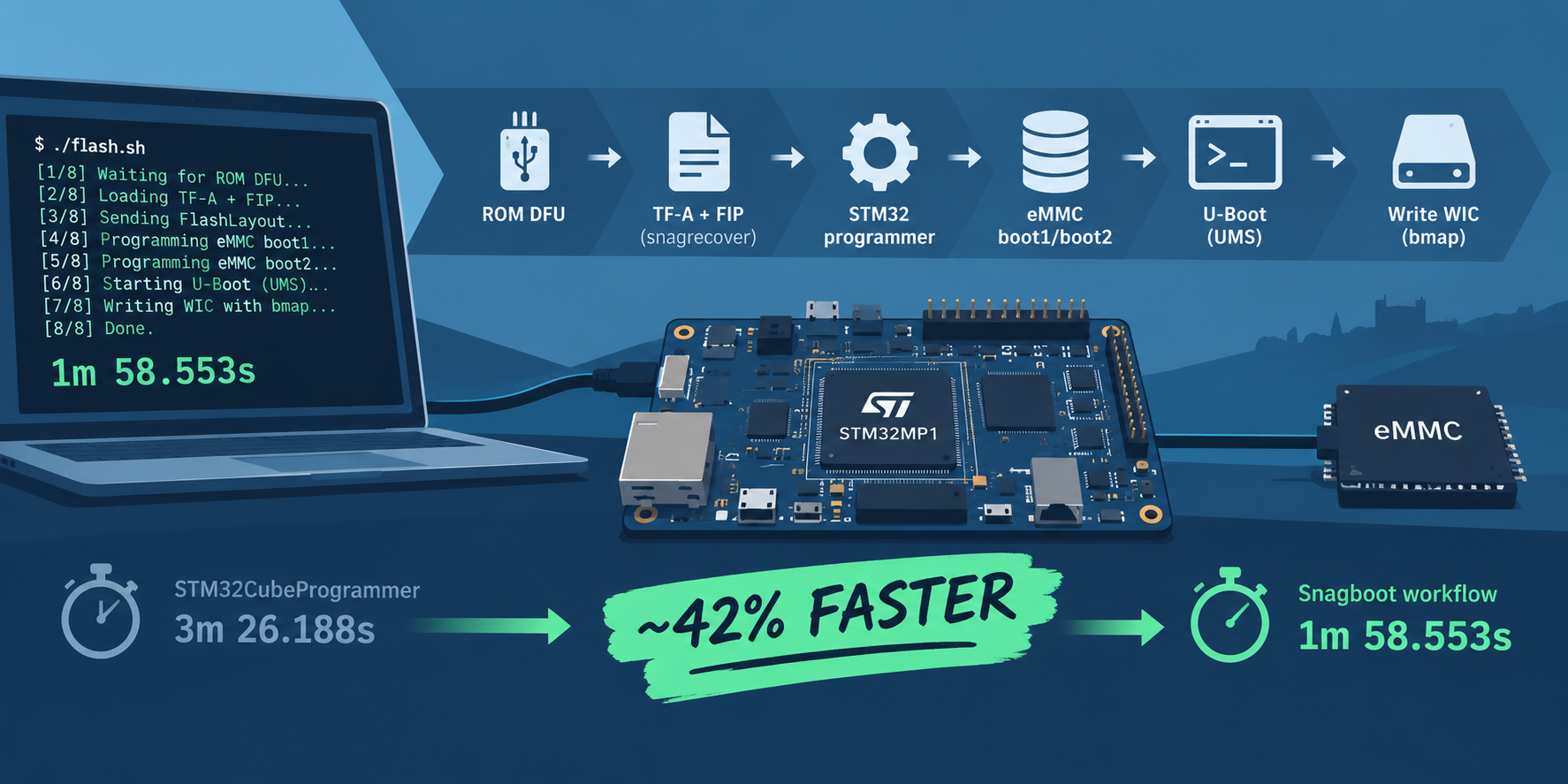
Speeding up Flashing eMMC for the STM32MP1
Improving the time to flash eMMC by replacing STM32CubeProgrammer with snagboot
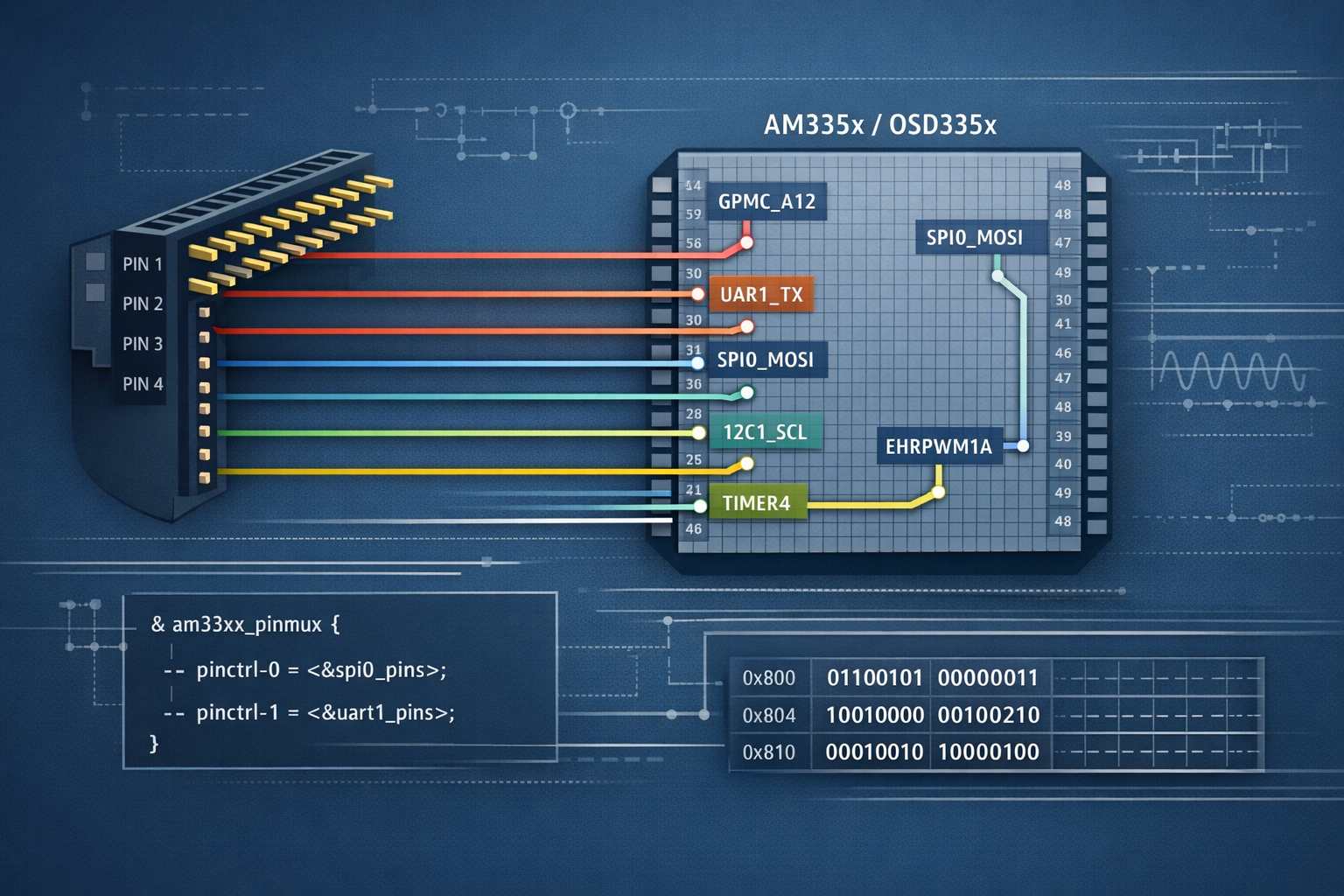
Pinmux for BeagleBone Black, AM335x and OSD335x
A reference table for mapping BeagleBone Black header pins to OSD335x and AM335x pinmux options