Articles
Hello World, 20 Different Ways: A Collection of Yocto Recipe Examples
A collection of practical Yocto recipe examples demonstrating C, CMake, Meson, Rust, Python, Git source fetching, dependencies and packaging.
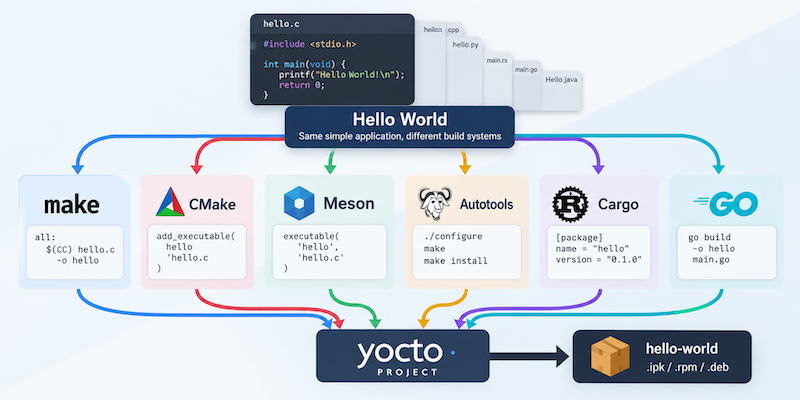
Writing a Yocto recipe for a simple C application is straightforward enough. You provide the source, compile it using the cross-compiler, and install the resulting executable into the target filesystem. However, real projects rarely consist entirely of simple C applications. Software may use CMake, Meson, Autotools, Cargo, Python packaging, or one of several other build systems, each requiring a slightly different approach.
When learning Yocto, it can be difficult to separate the mechanics of BitBake from the details of the application being built. A complicated application introduces dependencies, configuration options, and build problems that can obscure what the recipe is actually doing.
To make this easier, I have put together meta-hello-worlds, a collection of small Yocto recipes that demonstrate different languages, build systems, and packaging techniques. Each example produces something deliberately simple, allowing the focus to remain on the recipe and the Yocto build process.
Why another Hello World?
The repository started as part of the material for my Yocto training course. I wanted students to be able to compare recipes that achieved essentially the same result but used different build systems.
A simple Hello World application is useful because there is very little application logic to understand. When comparing a CMake recipe with a Meson recipe, for example, the interesting differences are in the build configuration and the BitBake classes being used, rather than the application itself.
The examples also provide a useful reference when starting a new recipe. Rather than trying to remember the exact syntax for compiling a C application, installing a shell script, or building a shared library, it is often quicker to find a small working example and adapt it.
What is included?
The repository contains examples covering several areas of Yocto recipe development.
Programming languages
The examples include C, C++, Python, shell scripts, Go, Rust, and Java. These demonstrate how the way you build and install an application changes depending on the language and its associated tooling.
Build systems
There are examples using Make, CMake, Meson, and Autotools. The aim is to demonstrate how Yocto interacts with each build system and where its standard classes remove the need to write custom build tasks.
Fetching and modifying source code
Other recipes demonstrate fetching source from Git, pinning it to a particular commit, and applying patches. These are important techniques when integrating third-party software into a product build.
Dependencies and packaging
The collection also includes examples of shared libraries, applications that use those libraries, pkg-config metadata, optional features using PACKAGECONFIG, and package groups. These move beyond compiling a single application and demonstrate how recipes interact with one another.
The repository includes further examples using npm, pip, Maven, services, and configuration files.
Starting with a simple C recipe
One of the simplest examples is hello-c, which compiles a single C source file without relying on an external build system.
The recipe is short enough to examine in full:
SUMMARY = "Small C hello application"
DESCRIPTION = "Builds a single C source file with the Yocto C compiler."
LICENSE = "MIT"
LIC_FILES_CHKSUM = "file://${COMMON_LICENSE_DIR}/MIT;md5=0835ade698e0bcf8506ecda2f7b4f302"

SRC_URI = "file://hello-c.c"

S = "${UNPACKDIR}"

do_compile() {
    ${CC} ${CFLAGS} ${LDFLAGS} ${S}/hello-c.c -o hello-c
}

do_install() {
    install -d ${D}${bindir}
    install -m 0755 hello-c ${D}${bindir}/hello-c
}
There are several useful things to observe here.
The source file is provided locally using SRC_URI, so there is no need to fetch it from an external repository. The do_compile task invokes Yocto’s configured cross-compiler and associated flags, rather than using the compiler installed on the build host.
The do_install task installs the executable into ${D}${bindir}. The ${D} variable represents the temporary installation destination used by the packaging process, while ${bindir} gives the standard target location for user executables.
BitBake subsequently packages the installed file so that it can be included in an image or installed through the target’s package manager, where one is configured.
This example demonstrates the essential parts of a recipe without introducing an additional build system.
View the hello-c recipe on GitHub
What changes when using CMake or Meson?
Most applications are not compiled by invoking the compiler directly from a recipe. They already have an upstream build system, and the Yocto recipe should normally use it rather than trying to reproduce its behaviour.
For CMake projects, Yocto provides the cmake class. For Meson projects, there is an equivalent meson class. These classes handle much of the configuration and cross-compilation work.
This is one of the important lessons when writing recipes: you should not need to reimplement the application’s build process in BitBake. Where a suitable class exists, use it.
The repository provides examples of both approaches, making it easier to compare the source layout, recipe metadata, and build behaviour.
It also includes an example using CPack metadata. This illustrates an important distinction: even when an upstream project supports generating its own packages, Yocto normally performs packaging from the files installed into its own destination directory.
Working with dependencies
Another common problem when first writing recipes is understanding the difference between build-time and runtime dependencies.
The shared-library examples demonstrate how one recipe can build a library and another can link against it. The consuming recipe needs the appropriate build-time dependency so that the library and its development files are available in the recipe’s sysroot.
The pkg-config example extends this by demonstrating how an application discovers the compiler and linker settings for a library.
There is also an example using PACKAGECONFIG to enable or disable an optional CMake feature. This is particularly useful in real projects where the same software needs to be built with different capabilities depending on product requirements.
These examples are still small, but they introduce concepts that are used regularly when maintaining a production Yocto layer.
Fetching source from Git and applying patches
It is common for a recipe to fetch source from a Git repository rather than keeping all the application code inside the layer.
The hello-git example demonstrates fetching source from an external Git repository and identifying a specific revision. Pinning the revision is important for reproducibility: a production build should not silently change because somebody has pushed new commits to an upstream branch.
The hello-patch example extends this by applying a local patch to fetched source. It also demonstrates patch metadata, including Upstream-Status, which helps document whether a change has been submitted upstream or is specific to the product.
These are useful patterns when maintaining software that is developed independently of the Yocto build.
Trying the examples
The repository is structured as a Yocto layer, so it can be added to an existing build environment.
Start by cloning the repository:
git clone https://github.com/ming4real/meta-hello-worlds.gitThen add the layer to your build configuration:
bitbake-layers add-layer /path/to/meta-hello-worlds/meta-hello-worldsOnce the layer is available, individual examples can be built in the normal way:
bitbake hello-cBuilding the recipe creates the corresponding packages, but it does not automatically add the application to your target image.
To include it in an image, you can add the package to your image configuration:
IMAGE_INSTALL:append = " hello-c"The examples that use other programming languages or external tooling may require additional layers and dependencies. In particular, the Java examples require suitable OpenJDK and Maven providers, while some of the package-manager examples need the appropriate dependency-fetching metadata.
For an initial experiment, I recommend starting with hello-c, hello-cmake, or hello-meson before moving on to the examples that introduce additional dependencies.
Using the repository as a reference
Although the repository was originally created for training, I expect it to be useful as a collection of reference recipes.
When adding software to a Yocto build, I frequently find that the quickest starting point is a small recipe that already demonstrates the required mechanism. It is much easier to adapt a recipe that installs a shared library or uses CMake than to search through a large production layer trying to identify which parts of a more complicated recipe are actually necessary.
The examples are deliberately minimal. They are not intended to be complete templates for production software, which may also need more careful attention to licensing, dependency management, security updates, and reproducibility.
Instead, they demonstrate individual mechanisms that can be understood independently and then applied to more complicated software.
Getting the code
The complete collection is available on GitHub:
github.com/ming4real/meta-hello-worlds
The repository is MIT licensed, and suggestions for additional examples are welcome. If there is a build system or packaging technique that would be useful to demonstrate, feel free to open an issue or submit a pull request.
These recipes also complement the material in the Silicon Blade Yocto training course, which covers how BitBake, recipes, layers, and the wider Yocto build process fit together.
Related posts
Browse all posts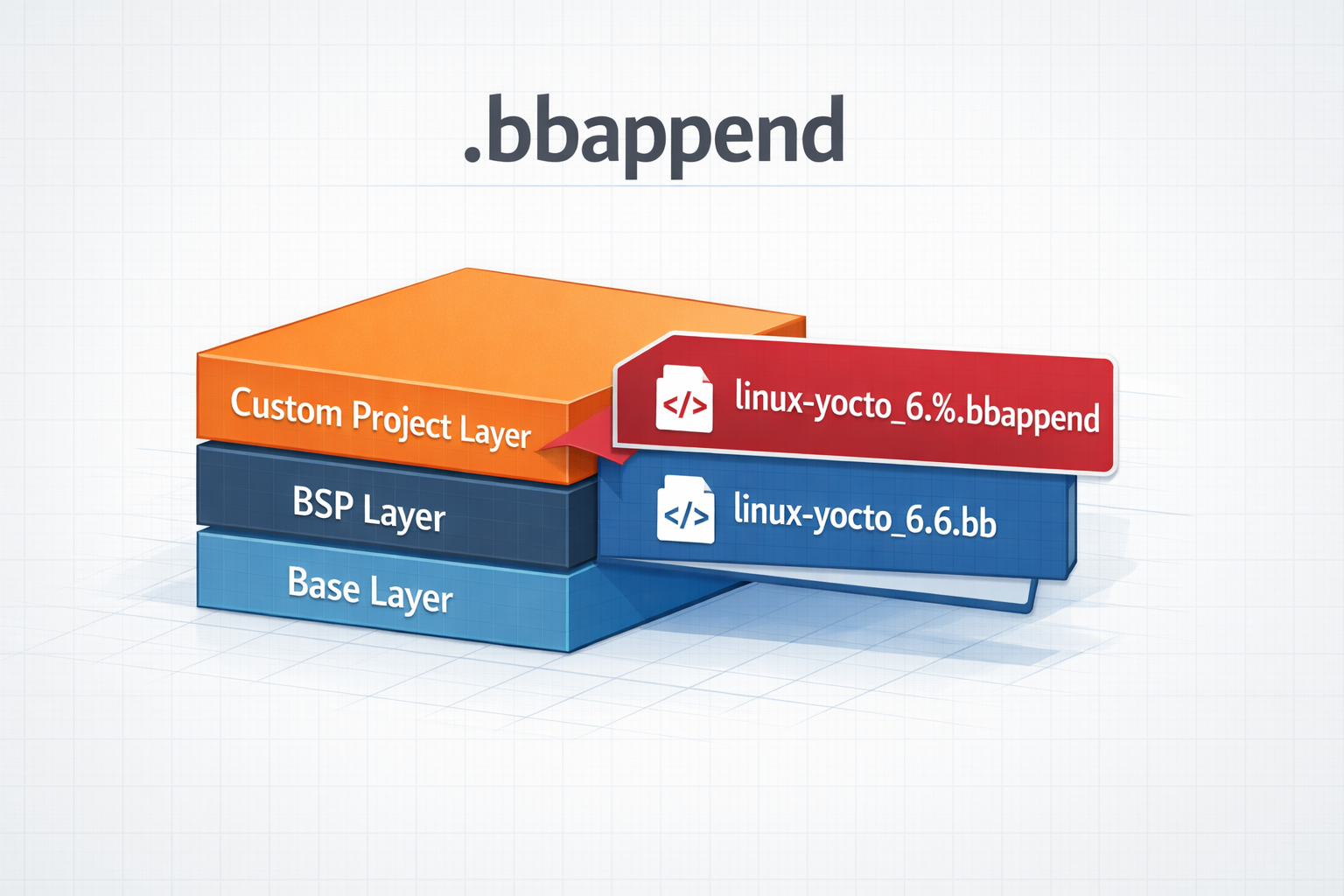
.bbappend files in a Yocto Project
How to use .bbappend files in a Yocto Project - A brief guide
TALES FROM THE TRENCHES · #4
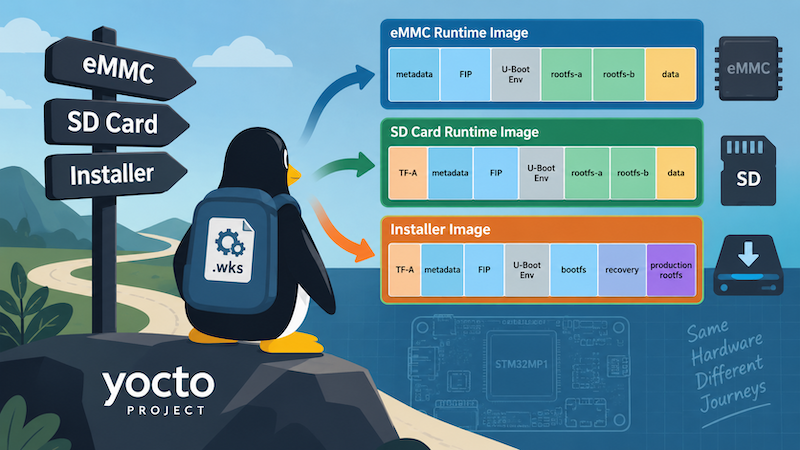
One Yocto Machine, Several WIC Layouts
Selecting different Yocto WIC partition layouts by image purpose and deployment target, while keeping a sensible machine-level default
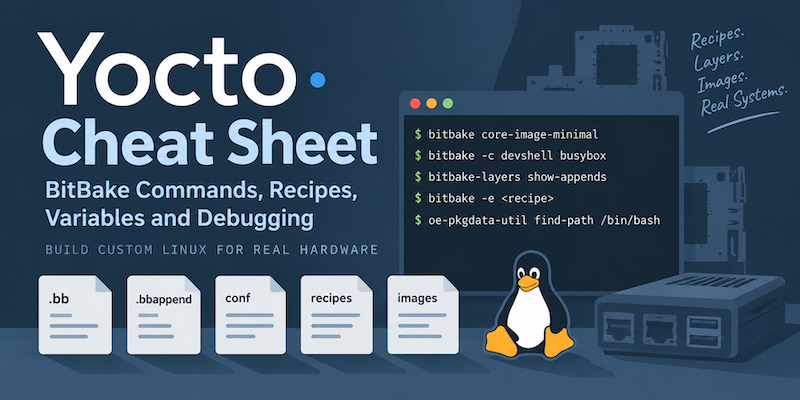
Yocto Cheat Sheet: BitBake Commands, Recipes, Variables and Debugging
A practical Yocto cheat sheet covering common BitBake commands, recipes, bbappend files, variables, packages, debugging and useful build paths.