Articles
PARTUUID, UUID and PARTLABEL: When a Partition Has Too Many Names
Converting a system to A/B root filesystems and changing UUIDs
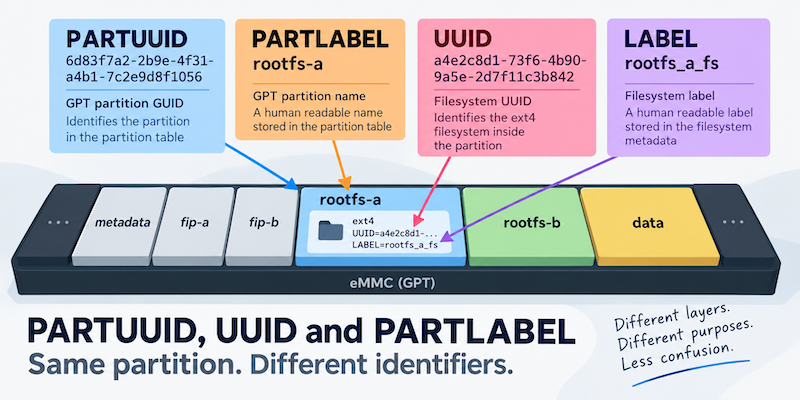
While working on an A/B root filesystem conversion for an STM32MP1 system, I needed to change the identity of one of the existing partitions. I was sure I had changed its GPT partition GUID, so checked the result, and everything looked correct. Then I ran blkid, which showed a completely different UUID. Both tools were correct, I was just looking at the UUID of two different things.
The A/B layout
The work was part of converting an existing single-root-filesystem product into an A/B layout.
The eventual arrangement included two root filesystem partitions:
rootfs-a
rootfs-b
Each slot contained its own kernel, Device Trees and extlinux configuration under /boot, so was rather important to be able to differentiate them.
The bootloader maintained an active slot and needed to do two things:
- load the kernel and Device Tree belonging to that slot;
- tell Linux to mount the corresponding partition as the root filesystem,
/.
The second part is handled by the Linux kernel command line:
root=...I had previously used partition UUIDs for this, so one of the configurations looked roughly like this:
APPEND root=PARTUUID=6d83f7a2-2b9e-4f31-a4b1-7c2e9d8f1056 rootwait rw console=${console},${baudrate}As I rearranged the partition table for A/B booting, I therefore needed to make sure those identifiers matched the new layout.
I changed the UUID… except I didn’t
I changed the partition GUID using sgdisk and then checked partition 8 with:
sgdisk -i 8 /dev/mmcblk1sgdisk showed the new unique partition GUID as expected.
I then inspected the filesystems with blkid. The same partition had a UUID along these lines:
/dev/mmcblk1p8: UUID="a4e2c8d1-73f6-4b90-9a5e-2d7f11c3b842" TYPE="ext4" ...That was not the value I had just assigned. My second thought was that the UUID had somehow not changed (my first thought was that I had screwed up the command)
The important part of that blkid output, however, was:
UUID="a4e2c8d1-73f6-4b90-9a5e-2d7f11c3b842"not:
PARTUUID="6d83f7a2-2b9e-4f31-a4b1-7c2e9d8f1056"With sgdisk I had changed the identity of the GPT partition. The blkid was showing me the identity of the ext4 filesystem inside it. These are two different things with different UUIDs.
A partition and its filesystem are different objects
It is easy to talk about “the UUID of the partition”, but in this case there were at least two UUIDs associated with the same area of storage.
At the GPT level, the partition has a unique partition GUID:
GPT
 |
 +-- partition
       |
       +-- unique partition GUID
Linux exposes that as PARTUUID.
Inside that partition was an ext4 filesystem, which has its own UUID stored in the ext4 metadata:
GPT
 |
 +-- partition
       |
       +-- PARTUUID
       |
       +-- ext4 filesystem
               |
               +-- UUID
So the identifiers might be:
PARTUUID=6d83f7a2-2b9e-4f31-a4b1-7c2e9d8f1056
UUID=a4e2c8d1-73f6-4b90-9a5e-2d7f11c3b842
There is no reason for those values to be the same. More importantly, changing one does not imply changing the other. Editing the GPT partition GUID does not rewrite the ext4 superblock, so the filesystem UUID remains unchanged. Conversely, recreating the ext4 filesystem could give it a new filesystem UUID without changing the GPT partition GUID.
This also fitted with the other work I was doing at the time. I was moving partitions, resizing partitions and resizing ext4 filesystems. The partition table operations and filesystem operations were separate because they were changing different layers. The UUIDs follow the same separation.
PARTUUID means the GPT partition GUID
For a GPT disk, a Linux kernel command line such as:
root=PARTUUID=6d83f7a2-2b9e-4f31-a4b1-7c2e9d8f1056refers to the GPT unique partition GUID.
It does not refer to:
UUID=a4e2c8d1-73f6-4b90-9a5e-2d7f11c3b842from the ext4 filesystem.
That distinction sounds fairly clear when written down. It was considerably less clear while moving an existing partition around, changing its GUID and staring at another UUID which hadn’t changed - because I hadn’t told it to.
Then there is PARTLABEL
GPT gives each partition another useful property: a partition name.
For the A/B system I was building, meaningful names were going to be much easier to work with than GUIDs:
rootfs-a
rootfs-b
Linux exposes the GPT partition name as PARTLABEL.
That means:
root=PARTLABEL=rootfs-asays:
Find the GPT partition whose partition name is
rootfs-aand mount that as the root filesystem.
That makes writing the boot scripts easier to follow, as I would then be using more human readable names so less likely to configure the wrong UUID.
The structure therefore looks more like:
GPT
 |
 +-- partition
       |
       +-- unique GUID  -> PARTUUID
       |
       +-- name         -> PARTLABEL
       |
       +-- ext4 filesystem
               |
               +-- UUID
               |
               +-- filesystem label
Just to make sire we have plenty of names, the ext4 filesystem can also have a label of its own, exposed as LABEL.
That gives four terms which are annoyingly easy to mix together:
| Identifier | Belongs to | Example |
|---|---|---|
PARTUUID | GPT partition | 6d83f7a2-2b9e-4f31-a4b1-7c2e9d8f1056 |
PARTLABEL | GPT partition name | rootfs-a |
UUID | ext4 filesystem | a4e2c8d1-73f6-4b90-9a5e-2d7f11c3b842 |
LABEL | Filesystem label | an ext4 filesystem label |
Filesystem labels were not important to this particular migration, but the distinction is worth making because LABEL and PARTLABEL have the same potential for confusion as UUID and PARTUUID.
A label is still just a label
At one point during the work I had a configuration using the equivalent of:
root=PARTLABEL=6d83f7a2-2b9e-4f31-a4b1-7c2e9d8f1056Because the value looks like a UUID, it is tempting to read that as another way of referring to the partition UUID. It is not. PARTLABEL= tells Linux what kind of lookup to perform. In this case Linux would look for a GPT partition whose name was literally:
6d83f7a2-2b9e-4f31-a4b1-7c2e9d8f1056If I want to search using the GPT partition GUID, the syntax is:
root=PARTUUID=6d83f7a2-2b9e-4f31-a4b1-7c2e9d8f1056If I want to search using the GPT partition name, it is:
root=PARTLABEL=rootfs-aThe value does not determine what kind of identifier it is. The prefix does.
Bypass extlinux when it goes wrong
During various parts of the process, I had got some of the configuration wrong, and could not boot through to a working kernel. Fortunately, as long as you can break into the U-Boot console, it is possible to ignore all of the U-Boot logic and boot a system directly (This is what us old-timers used to do before all of these fancy boot frameworks)
Knowing that I had a good copy of things sitting on partition6, I loaded the kernel directly from an ext4 partition:
ext4load mmc 1:6 ${kernel_addr_r} /uImageI then loaded the Device Tree:
ext4load mmc 1:6 ${fdt_addr_r} /stm32mp157a-board.dtb
Then I set the Linux command line explicitly - triple checking I had the right UUID of course:

```text
setenv bootargs 'root=PARTUUID=491f6117-415d-4f53-88c9-6e0de54deac6 rootwait rw console=ttySTM0,115200'
Finally I booted the kernel:
bootm ${kernel_addr_r} - ${fdt_addr_r}Testing extlinux
One version of the configuration looked like:
MENU BACKGROUND /boot/splash_landscape.bmp
TIMEOUT 1

LABEL Linux
    KERNEL /boot/uImage
    FDTDIR /boot/
    APPEND root=PARTUUID=6d83f7a2-2b9e-4f31-a4b1-7c2e9d8f1056 rootwait rw console=${console},${baudrate}
I also tested loading an extlinux configuration explicitly from U-Boot:
sysboot mmc 1:6 any ${scriptaddr} /boot/extlinux.confAgain, mmc 1:6 tells U-Boot where to find the extlinux file.
The APPEND line adds to the kernel boot arguments so in this case, tells Linux what should become its root filesystem.
PARTLABEL made my life easier
I was already maintaining logical slot names:
rootfs-a
rootfs-b
The boot script had an active slot and selected the corresponding root filesystem. That made using the GPT partition name attractive because the configuration could describe the role of the partition rather than embedding an opaque identifier which I has already proved was something I could get wrong.
The extlinux command line could therefore be expressed as:
APPEND root=PARTLABEL=${rootfs_name} rootwait rw console=${console},${baudrate}where rootfs_name resolved to either:
rootfs-aor:
rootfs-bThat fitted the A/B scheme well. The GPT itself described which partition was slot A and which was slot B, while the boot logic only needed to select between those names.
A fixed PARTUUID would also have worked, provided the boot configuration contained the correct GUID for each slot. Using PARTLABEL made the relationship between the bootloader’s idea of slot A/B and the partition table much more obvious.
Choosing the right identifier
I did not come away from this deciding that PARTLABEL is universally better than PARTUUID, or that filesystem UUIDs should never be used.
They identify different things.
-
If I care about the identity of a particular GPT partition irrespective of its name,
PARTUUIDis appropriate. -
If the role of a partition is part of the disk layout and I want to refer to that role directly,
PARTLABELcan be much easier to understand. -
If I specifically want to identify the filesystem itself, then its filesystem
UUIDis the relevant value.
The important part is knowing which layer I am trying to identify and working with the one that makes life easier.
Related posts
Browse all posts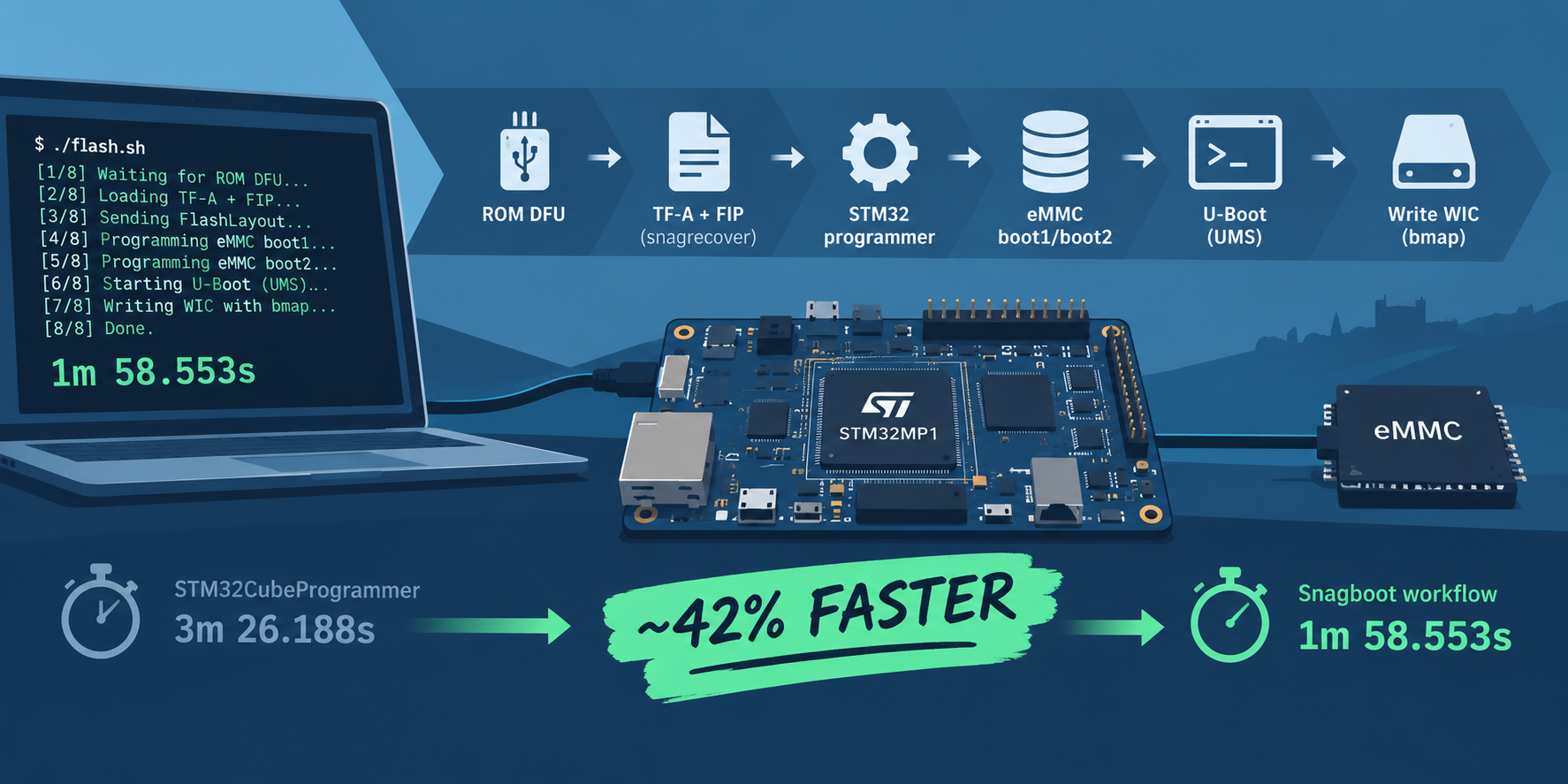
TALES FROM THE TRENCHES · #3
Speeding up Flashing eMMC for the STM32MP1
Improving the time to flash eMMC by replacing STM32CubeProgrammer with snagboot
TALES FROM THE TRENCHES · #2
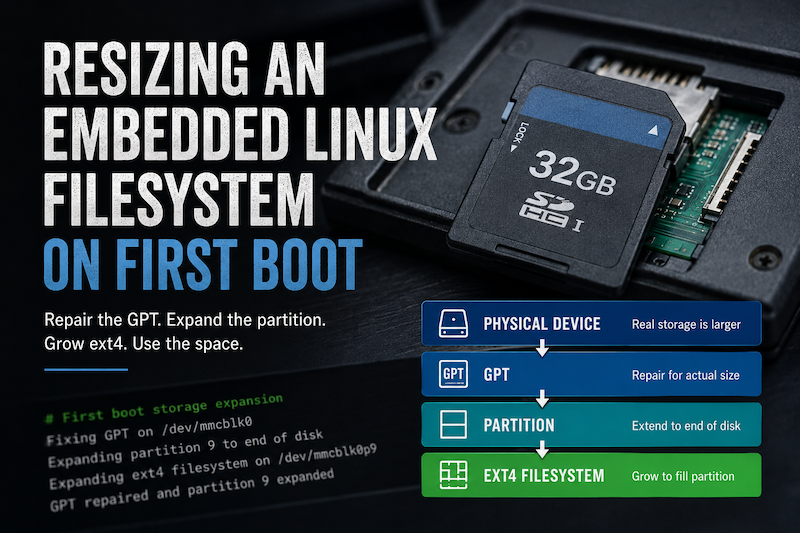
Resizing an Embedded Linux Filesystem on First Boot
Automatically expanding a Yocto root filesystem on first boot, from repairing the GPT through to resizing the ext4 filesystem.
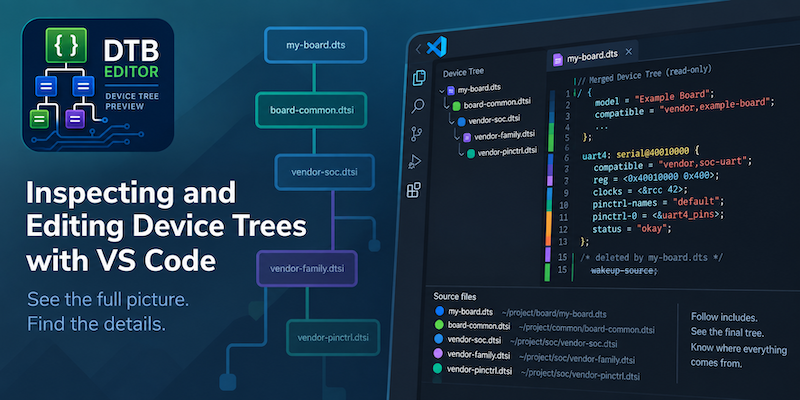
Inspecting and Editing Device Trees with VS Code
Using a VS Code extension to preview the final merged Linux Device Tree while retaining the source of properties, nodes and overrides.